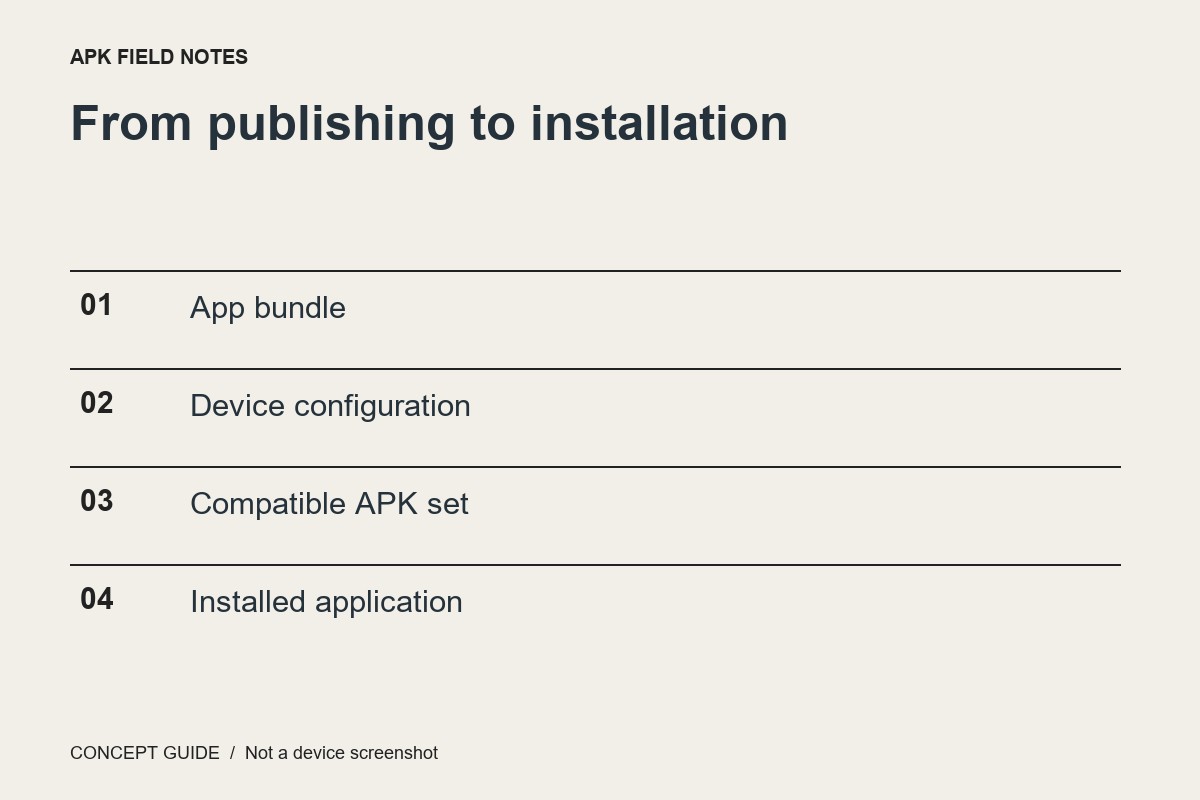
Some Android apps are installed from multiple APK components selected for a device. A download containing only one component may not represent a complete application, even when its filename appears plausible.
Understand the component roles
A base APK contains the core application structure. Configuration APKs can supply resources or native code appropriate to a device, and feature delivery can add other components. The exact arrangement is determined by the app and its distribution process.
Do not mix releases
A component from one release should not be casually combined with a component from another. The set is designed to work together. A collection assembled from unrelated mirrors is not made coherent because all the filenames include the same app name.
Prefer a supported selection process
Official distribution can select the appropriate components for the device. That is simpler than manually guessing language, density and architecture variants. If a developer offers a direct installation route, follow its documentation and obtain the entire intended set from that source.
Interpret failure narrowly
An installation error can reflect an incomplete or incompatible set, but the message alone may not identify the cause. Record the artifact type, source, device and exact error. Do not disable protection mechanisms or repeatedly try repackaged variants as a substitute for understanding what you downloaded.