A permission list is more useful when tied to the feature a reader intends to use. The same capability can be reasonable for one task and unnecessary for another; context matters more than counting requests.
State the task first
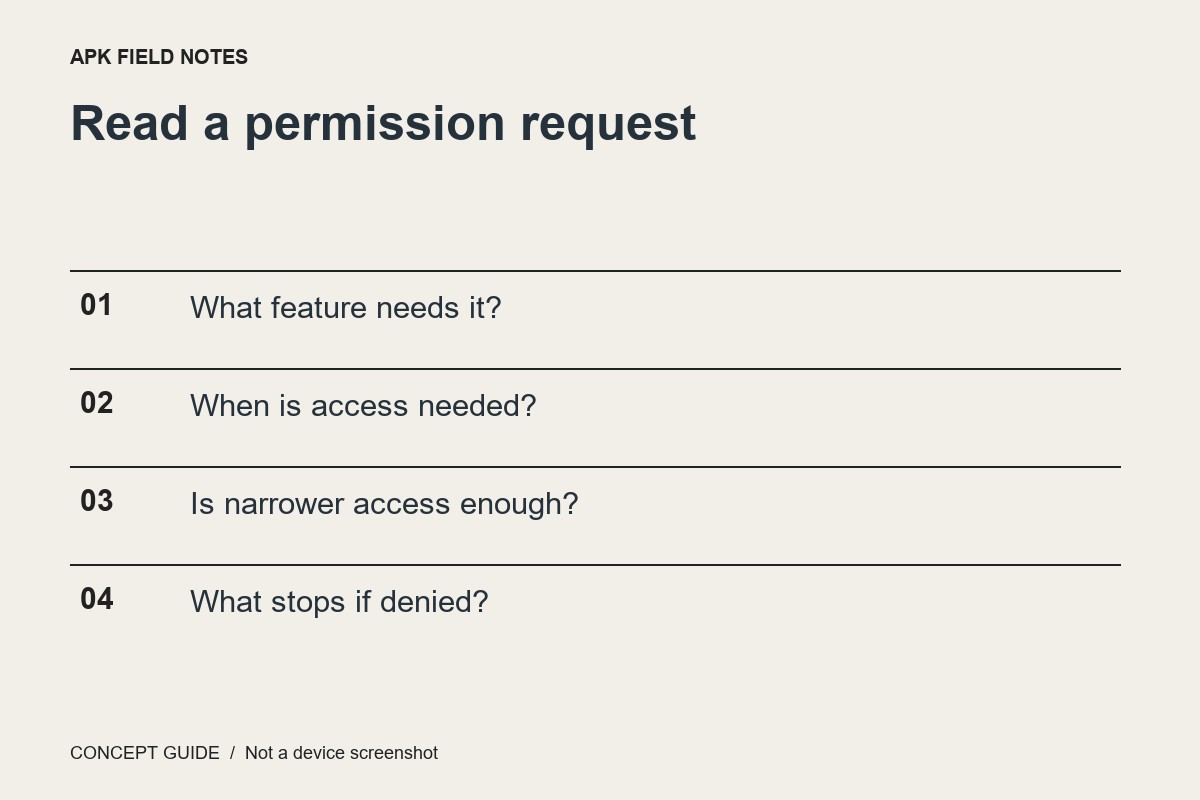
Ask what you are trying to do at the moment the request appears. Taking a picture, selecting an existing image and locating a nearby service are different tasks. Read the request text rather than approving it because the app previously seemed familiar.
Look for the narrowest sufficient option
Android offers different permission choices depending on the type, version and app. Where a limited or while-in-use option meets the task, it can reduce unnecessary access. Do not claim every permission has identical choices or that every app supports the same picker flow.
Test the effect of declining
For a nonessential feature, denying access can reveal what actually depends on it. The app may explain the limitation or the feature may stop working. Avoid denying a critical permission during an urgent task; evaluate settings at a time when you can reverse the decision and check the outcome.
Record behavior separately from metadata
A declared capability does not describe every moment of real use, and a permission prompt is not a complete privacy audit. Keep notes about the task, choice and observed result. For an unclear request, consult the developer's explanation and current Android guidance.