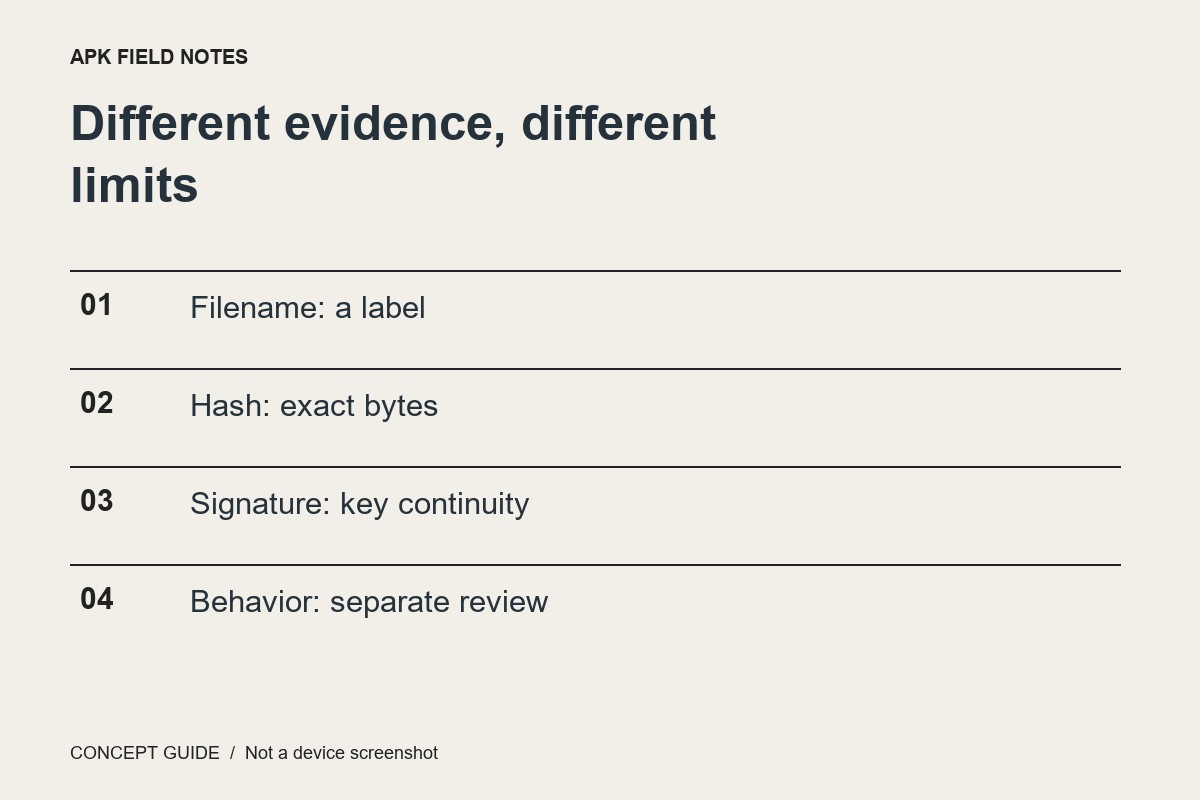
Android app signing helps connect a release to a signing identity and supports update relationships. It is important evidence, but a signature is not the same thing as a review of an application's behavior or business practices.
What continuity is useful for
A device needs rules for deciding whether a new package belongs to an existing application. Signing information participates in that relationship. This is why a package with a familiar name may fail to replace an installed app when it comes from a different signing context.
Names can imitate; identity needs evidence
An icon, filename or display title can be copied. Do not use visual similarity as proof that a package is an official update. Start with the developer's supported distribution channel and check their explanation of release identity when doing technical review.
Account for managed signing
Developer workflows can distinguish upload keys from the keys used to sign distributed applications. Key upgrades and platform rules add further detail. Comparing a random certificate string without understanding the distribution path can therefore lead to the wrong conclusion.
Stop short of a safety claim
A valid signing relationship does not tell you whether every permission is appropriate or whether a service handles data well. Keep those questions in a separate review. If a signature-related installation error appears, report the exact source and error to the publisher instead of uninstalling an important app and losing its data to force a replacement.