Android discussions often use package as if it describes one thing. Separating the publishing artifact, the installable artifacts and the installed application makes many confusing download claims easier to assess.
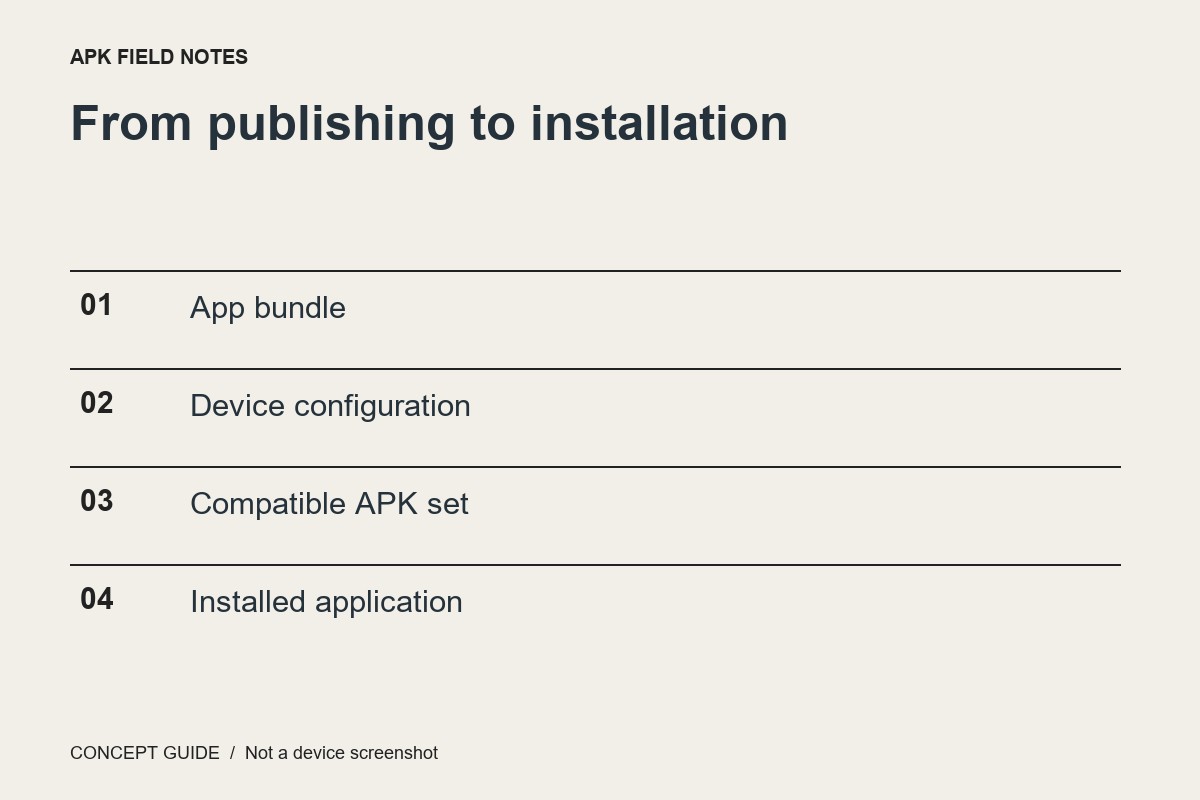
The publishing artifact
An Android App Bundle is a publishing format. It contains material a distribution system can use to produce suitable APKs for devices. It is not simply another filename extension to rename and open as an ordinary APK. A reader should distinguish what a developer uploads from what a device receives.
The installation artifacts
An APK is an Android installation package. An application can be delivered as a base APK with additional configuration or feature APKs rather than one universal file. The package set must be appropriate and consistent. A lone component copied from an installation is not necessarily a complete redistributable app.
The installed state
Once installed, the application has a version, permissions and potentially local user data. Those are not fully described by the size or filename of a downloaded artifact. Copying an APK is not a backup of everything an app has stored or every account session it uses.
A better question to ask
When someone offers a file, ask what artifact it is, who published it, what device configuration it targets and what supported installation path is intended. If those answers are unclear, stop before installation. This distinction explains format; it does not certify an unknown package as trustworthy.